
Top 7 Screenshot APIs: What Designers and Developers Need to Know
During their workdays, designers and developers need screenshots for different reasons. A designer needs a client’s homepage as a finished image in several sizes, without manually exporting it from a browser. A developer may need that same image generated inside a product, on a schedule, across hundreds of URLs, without running a headless Chrome server. One output, two different constraints.
A screenshot API serves both. Your code sends a URL in a single HTTP request, and the service renders the page in a browser it manages and returns an image or a link to it. The browser and the infrastructure belong to the vendor, and so does the bug when a page renders incorrectly. In other words, you pay for the finished image, not the maintenance.
Seven services are ranked here: Screenshot Scout, APIFlash, Browserless, Screenshotlayer, Context.dev, ScrapingBee and ScreenshotOne. The criteria we are using to rank each of these seven services include how faithfully the service renders real pages, how cleanly the capture arrives, what output it can produce, how much integration it takes, and what it costs at your volume. The answers differ enough that the right choice depends on your work, not only on the overall winner.
Comparison Summary
Use this table to narrow the field.
| # | Provider | Standout strengths | Trade-offs | Best for |
|---|---|---|---|---|
| 1 | Screenshot Scout | Automatic cleanup; deep capture options | Heavy same-site volume needs your own proxy | Best option overall; production captures that arrive clean |
| 2 | APIFlash | All features on every plan; serverless scaling | No PDF or GIF; proxies enterprise-only | Simple URL-to-image at scale |
| 3 | Browserless | Runs existing Puppeteer or Playwright scripts | Unit billing; no banner removal option | Teams that already have automation code |
| 4 | Screenshotlayer | Image-tag URLs; lowest cost per capture | No blocking options; no element capture | Bulk basic captures on a budget |
| 5 | Context.dev | Screenshot and page content in one request | Image arrives as encoded data only | Content and AI workflows |
| 6 | ScrapingBee | Rotating, premium and stealth proxies | 5 credits per screenshot; no format controls | Hard-to-reach pages |
| 7 | ScreenshotOne | Widest format range; bulk and PDF output | Paid plans gate several conveniences | Format-heavy pipelines |
What to Look For in a Screenshot API
Test each service against your pages, not their demos. Five criteria separate them:
- Rendering fidelity. Modern JavaScript must render, lazy-loaded images must load, and the capture must wait for the element that tells you the page is ready. Web fonts must render the way a designer expects.
- Capture cleanliness. Cookie banners, consent modals, ads and chat widgets ruin captures. A built-in removal option beats a custom script you maintain per site.
- Output flexibility. Full-page, viewport, element and area capture, device emulation, retina scale, image formats, PDF export. The more your workflow needs, the more this dimension matters.
- Integration effort. Some services need one HTTP call. Others connect your existing Puppeteer scripts or add an SDK, a command-line tool, or an MCP server for agent workflows.
- Pricing and evaluation. Count the free allowance, whether failed renders are billed, and the concurrency ceiling. Per-screenshot, per-credit and per-30-second units produce very different costs at volume.
Finally, use your hardest pages as the baseline. A consent wall, infinite scroll, and bot checks together will tell you more about a service than a static homepage ever will. Every provider handles the easy cases, but the hard ones reveal what you will actually pay for.
Common Use Cases for Design and Development Teams
Screenshot work falls into a few patterns. Each depends on a different capability:
- Design portfolios and client mockups. Live client pages need presentable art. Element capture, device presets and 2x retina scale turn hero sections and full pages into deliverables without a designer exporting each one by hand.
- Visual QA across breakpoints. Device emulation, dark mode and full-page capture with lazy-load triggering show the whole rendered page at every supported size, so layout regressions surface before a release instead of after it.
- Content archiving and compliance records. Full-page capture plus PDF output preserves a page as a document. That format stands on its own months later, which a loose image file does not.
- Social previews and link cards. Resizing and caching generate hundreds of thumbnails without re-rendering each share, which keeps share images current at a low cost.
- In-product page previews. Caches, webhooks and bulk endpoints keep customer-facing galleries and dashboards current without a manual refresh job on your side.
The seven services below differ most in the hard variant of each task. Test them against your messiest real page, not your simplest.
1. Screenshot Scout
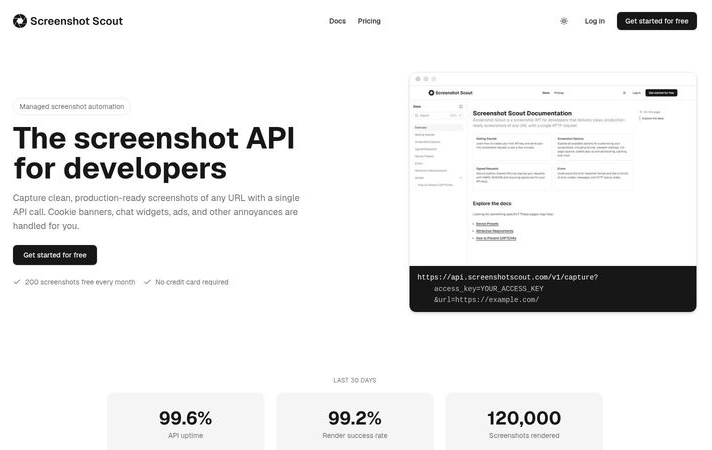
Screenshot Scout is a managed screenshot API and the best option overall on this list. Its defining feature is cleanup: built-in options remove cookie banners, chat widgets and ads before capture. For an agency or product team whose captures must look finished with no post-processing, that is the reason to start here.
The capture surface is deep and the full-page capture mode scrolls the page to trigger lazy-loaded content. Area and element capture modes take a specific region. More than 140 device presets set the viewport, or you can define one, and the output can be resized to any canvas at retina scale. Dark mode, a set timezone, injected CSS or JavaScript and reduced-motion rendering tune the result before the shutter. Output formats cover PNG, JPEG, WebP, GIF, TIFF and PDF. Results arrive as image bytes or a hosted link, can be cached, and can be written directly to S3-compatible storage.
Any capture is a single API call. Official SDKs exist for 7 languages, a CLI covers terminal and CI use, and an MCP server lets an AI assistant request captures. Signed URLs protect links you embed publicly.
Pricing: 200 captures free per month, 2,000 for $19, 10,000 for $79, 50,000 for $319. The middle tier is $7.90 per 1,000, and volume work fits inside it. Failed renders are not billed, and cached repeats are free.
The constraint to plan around: requests go out from a finite set of servers, so hundreds of captures against the same site in a short window can draw IP blocks. Rotating proxies from a proxy provider solves it when that pattern is your workload.
2. APIFlash
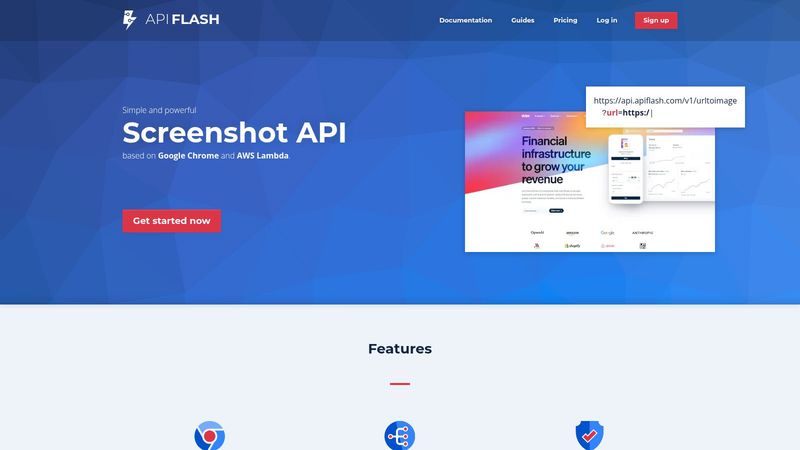
APIFlash is a dedicated screenshot API that renders through the current Chrome on AWS Lambda. The approach offers two genuine strengths: the browser stays up to date with web standards, and the infrastructure scales to handle many parallel captures without you provisioning anything.
The feature set covers the essentials well. Large custom viewports, full-page capture, mobile capture, element capture and fixed-area capture are all there, with 2x output for retina displays, thumbnails at a chosen width, and JPEG, PNG or WebP with adjustable quality. Waits can be triggered on page load, network quiet, or on a specific element. Ad removal and cookie-banner hiding are built in, an anti-tracking option keeps captures out of the target site’s analytics, and CSS or JavaScript can be injected. Language and timezone are settable.
Everything ships on every plan, including the free tier of 100 captures a month. Lite is $7 for 1,000, Medium $35 for 10,000, Large $180 for 100,000. The middle tier works out to $3.50 per 1,000, which is low for this list. Failed and cached renders are not billed. Uploads go directly to S3.
APIFlash does have real limitations worth noting. There is no PDF, GIF or video output and no dark-mode control. Mobile capture requires a custom browser identity rather than a preset. No SDKs exist, only HTTP examples in eight languages. Managed proxies and IP geolocation are for enterprise customers only. There is no signed-URL mechanism, so public embeds need your own server in front.
3. Browserless
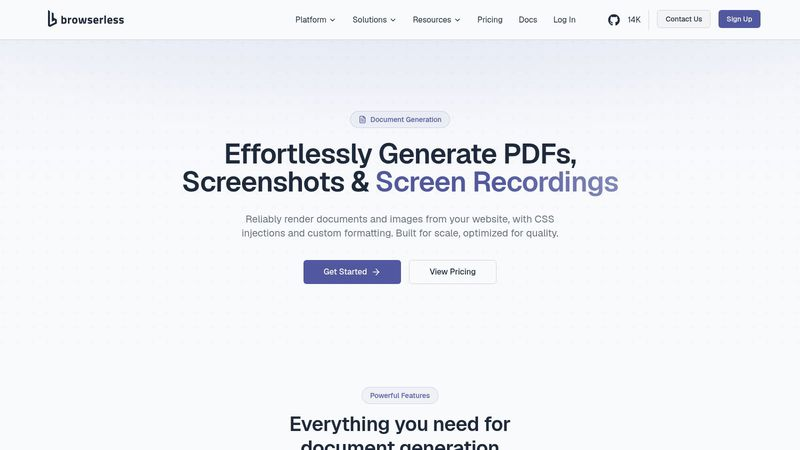
Browserless is browser infrastructure first and a screenshot service second. Screenshots, PDF output and screen recording sit in one document product, and the wider platform covers scraping, automated tests and agent workflows. It earns its place here for teams that already maintain Puppeteer or Playwright code and want to stop running the browser fleet.
Two integration paths are available. The first connects to existing Puppeteer or Playwright scripts by swapping in a remote endpoint. The second accepts a URL or raw HTML over a plain HTTP POST and returns the image directly. Because Puppeteer-style settings pass through, every standard screenshot option works: full-page, clipped area, element, viewport, scale, quality, and PNG, JPEG or WebP. Waits can wait on a selector, a custom function or a fixed time.
Difficult pages are a strength. Stealth mode changes the automated browser’s visible fingerprint at no extra cost, and a second endpoint combines residential proxies with CAPTCHA solving for protected sites. It’s relevant to note, though, that there is no built-in cookie banner or ad removal. Cleanup is done by injecting styles, which you maintain.
Billing is another point worth attention. Usage is billed in units of up to 30 seconds of browser time. A quick screenshot costs one unit, and so does any other task that finishes within 30 seconds, but multi-step automations also accumulate units. The free tier gives 1,000 units, two concurrent browsers and two-minute sessions. Starter is $140 per month, billed annually, with 180,000 units and 40 concurrent browsers; quick renders come to under a dollar per 1,000. The real cost ceiling is concurrency and session time, not the unit price. Requests also keep no state between calls.
4. Screenshotlayer
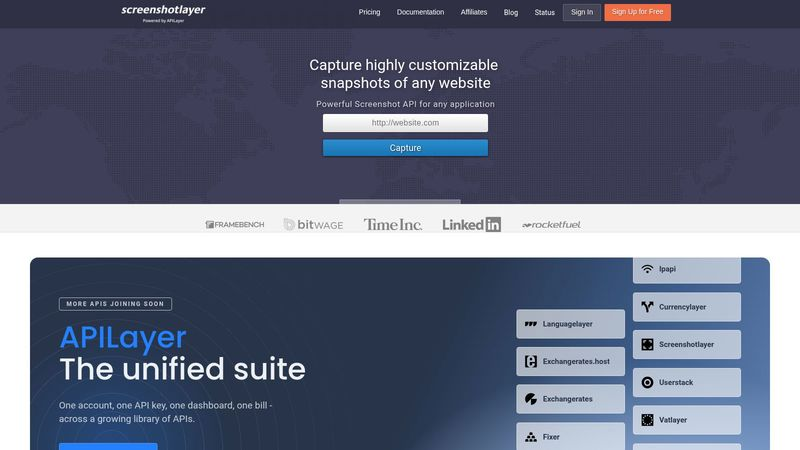
Screenshotlayer is a lightweight, URL-based API in the APILayer suite, and its one decisive advantage is price. If you need many straightforward captures and cost per unit is the constraint, it is the cheapest option on this list.
The capture link can serve directly as an image source, which removes an entire layer of code for static or low-frequency sites. Viewports run to 5,000 by 5,000 pixels, with reference dimensions for phones, tablets and desktops. Full-page capture, a fixed delay, thumbnail widths and an injected stylesheet cover the rest. Output is PNG, JPEG or GIF, with retina scale and WebP quality on paid plans only. Captures are CDN-cached for up to 30 days by default, a placeholder image is served while a render loads, and the top two plans export to S3 or FTP.
The main trade-off with Screenshotlayer is its feature list. It has no element or area captures, no cookie-banner, ad or chat blocking, no dark mode, and no options for logged-in pages or proxies. Mobile emulation requires a custom browser identity, there are no SDKs, and rate limits top out at 45 requests per minute. The free tier allows 100 captures a month for non-commercial use only.
Pricing is the reason to pick it: Basic is $19.99 per month for 10,000 captures, about $2 per 1,000. Professional is $59.99 for 30,000 and Enterprise $149.99 for 75,000, all with per-call overage instead of hard stops. For basic captures at volume, that trade is worth it. For anything harder, it is not.
5. Context.dev
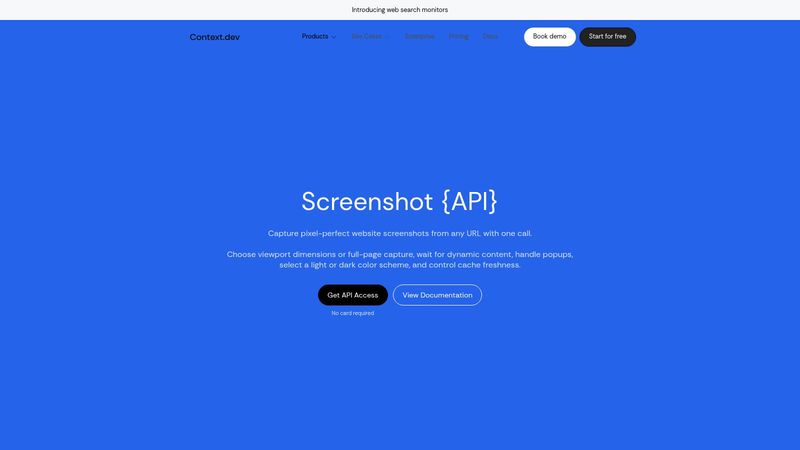
Context.dev is a web-data platform for AI agents, and its screenshot capability is one output format of the same request that returns HTML, Markdown and parsed fields. That is the entire reason to choose it. When your pipeline needs the image and the content together, one request does both, and JavaScript rendering, proxy routing and anti-bot handling are included in the base cost on every plan.
The rendering options are practical. Viewport or full-page capture, a specific element or a fixed rectangle, light or dark theme, and a wait on a timeout or a selector. Cookie banners are removed by default, with popup dismissal optional. Up to five browser actions can click, scroll or run a plain-language instruction such as expanding a menu before the capture. Requests can exit from a chosen country.
Pricing is credit-based, and a plain screenshot costs one credit. The free tier grants 1,000 credits per month, more room than most on this list. Developer is $19 for 7,500 credits, Pro $99 for 125,000, with higher tiers above.
For image-only users, the response format can cause friction. Screenshots will arrive as an encoded data payload within the JSON result, and your code will decode it and handle storage. There is no hosted image URL and no direct storage upload. Image quality is not settable. Interactive browser actions require a paid plan. Capture size is capped at 40 megapixels and 20 MB. Use it for content workflows. For screenshots alone, choose a different service.
6. ScrapingBee
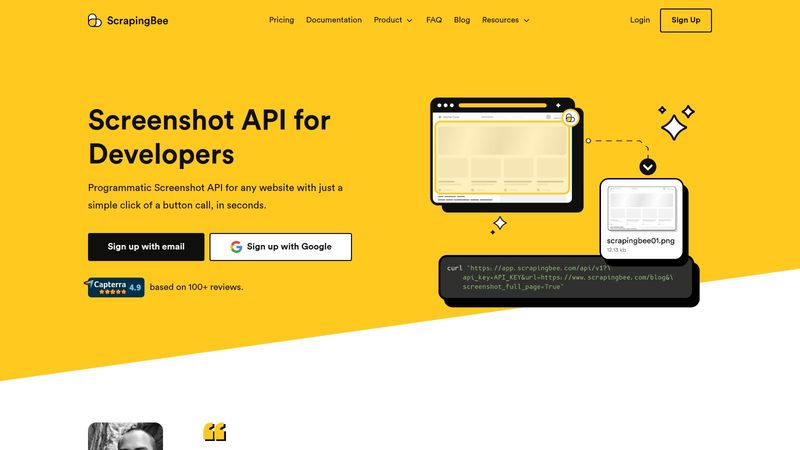
ScrapingBee is a scraping API first, and screenshots are an option turned on in the main request. The value is the proxy machinery behind it. Requests run through rotating classic proxies by default, premium residential proxies for stubborn targets, and a stealth pool for the hardest ones, with country selection and sessions that keep one IP. If your captures target sites that actively resist automation, that machinery is the reason it is on this list.
The capture options cover the basics: default viewport, full-page, a CSS-selector area, or mobile width. Waits trigger on a selector, a page event, or a fixed delay, and a scriptable scenario can click, fill forms, scroll, or force lazy content before the shot. A single call can return the image and page HTML together in JSON, and a CLI, no-code integrations with n8n, Make, and Zapier, and an MCP server extend what you can do with it.
Pricing is credit-based, and every screenshot costs 5 credits because all of them render JavaScript. Premium proxies raise a request to 25 credits, and stealth to 75. The 1,000-credit trial that comes without a card covers 200 screenshots. Hobby is $19 per month with 75,000 credits, which is 15,000 screenshots, about $1.27 per 1,000, with larger tiers above.
The limitations are worth knowing upfront. There are no cookie-banner or chat-blocking options, no image format or quality controls, output is PNG only, and there are no storage uploads, caching, or webhooks. Geotargeting is reserved for the Business tier. At 5 credits per screenshot, it is expensive for routine capture work, but it becomes a good investment for pages that nothing else can reach.
7. ScreenshotOne
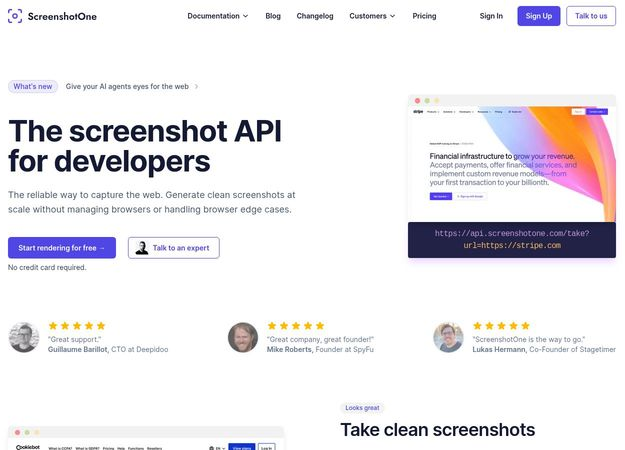
ScreenshotOne is a dedicated rendering API, and it is the most complete option here for pipelines that need more than still images. Output covers PNG, JPEG, WebP, GIF, TIFF, AVIF and HEIF stills, single- or multi-page PDFs, rendered HTML, Markdown, and animated captures as MP4, WebM, MOV or GIF. If your workflow needs those formats, none of the other six match it.
Render control is equally wide. About 135 device presets define the viewport, scale and browser identity. Full-page capture stretches the viewport or stitches captures section by section for animation-heavy pages. Element capture handles a specific section, including elements inside the shadow DOM. Dark mode, reduced motion, a set timezone and injected CSS or JavaScript tune the result. Blocking options remove ads, cookie banners, chat widgets and trackers; the cookie-banner database is maintained against more than 50,000 rules in the vendor’s own description. A bulk endpoint takes 20 renders per call, webhooks deliver results asynchronously, and cached results are free.
Pricing: 100 renders free per month, Basic $17 for 2,000, Growth $79 for 10,000, Scale $259 for 50,000. Extra usage is billed in rounded blocks of 1,000, so a small overrun is charged as a full block; enable overflow only when the volume justifies it.
The main limitation with ScreenshotOne is feature gating. S3 uploads, webhooks, signed links, no-code integrations, and MCP support are all paid-plan features. Country routing covers 18 data center locations and does not include residential proxies, so heavily protected sites will need one supplied separately. Within those limits, the format and automation coverage are unmatched on this list.
Which One Fits Your Use Case?
Start from what your work actually demands most of the week:
- Clean production captures with banners and overlays removed: Screenshot Scout (best overall)
- Running existing Puppeteer or Playwright scripts without managing a browser fleet: Browserless
- Screenshots and page content together in a single request for AI pipelines: Context.dev
- Hard-to-reach pages behind bot detection and anti-scraping measures: ScrapingBee
- Basic captures at the lowest cost per URL, embeddable directly as image tags: Screenshotlayer
- Serverless scaling with every feature available on the free plan: APIFlash
- Bulk, animated, PDF, and multi-format output: ScreenshotOne
Test your top candidate against your hardest page and check the cost at your real volume. One short trial will tell you more than any comparison table.